Sauna heater controls
Built-In, External or Wi-Fi Sauna Controls: What Should You Choose?
Choose sauna controls around your routine. Compare built-in switches, external panels and Wi-Fi systems, including compatibility and remote-start checks.
Before you begin
- Choose built-in, separate local or Wi-Fi controls around how you normally prepare a sauna session.
- Confirm compatibility across the heater, controller, sensors and any required remote-start components.
- Review remote-start checks and network availability before paying for app-based control.
A sauna controller is something you will use on an ordinary Tuesday evening, not just admire when the room is finished. The best choice makes starting and ending a session clear for the people who use the sauna.
There are three common arrangements to consider: controls on the heater, a separate local panel and a connected system with an app. Wi-Fi is an added way to operate a compatible system; it does not replace the need to choose the right heater and control hardware together.
Built-in controls: start at the heater
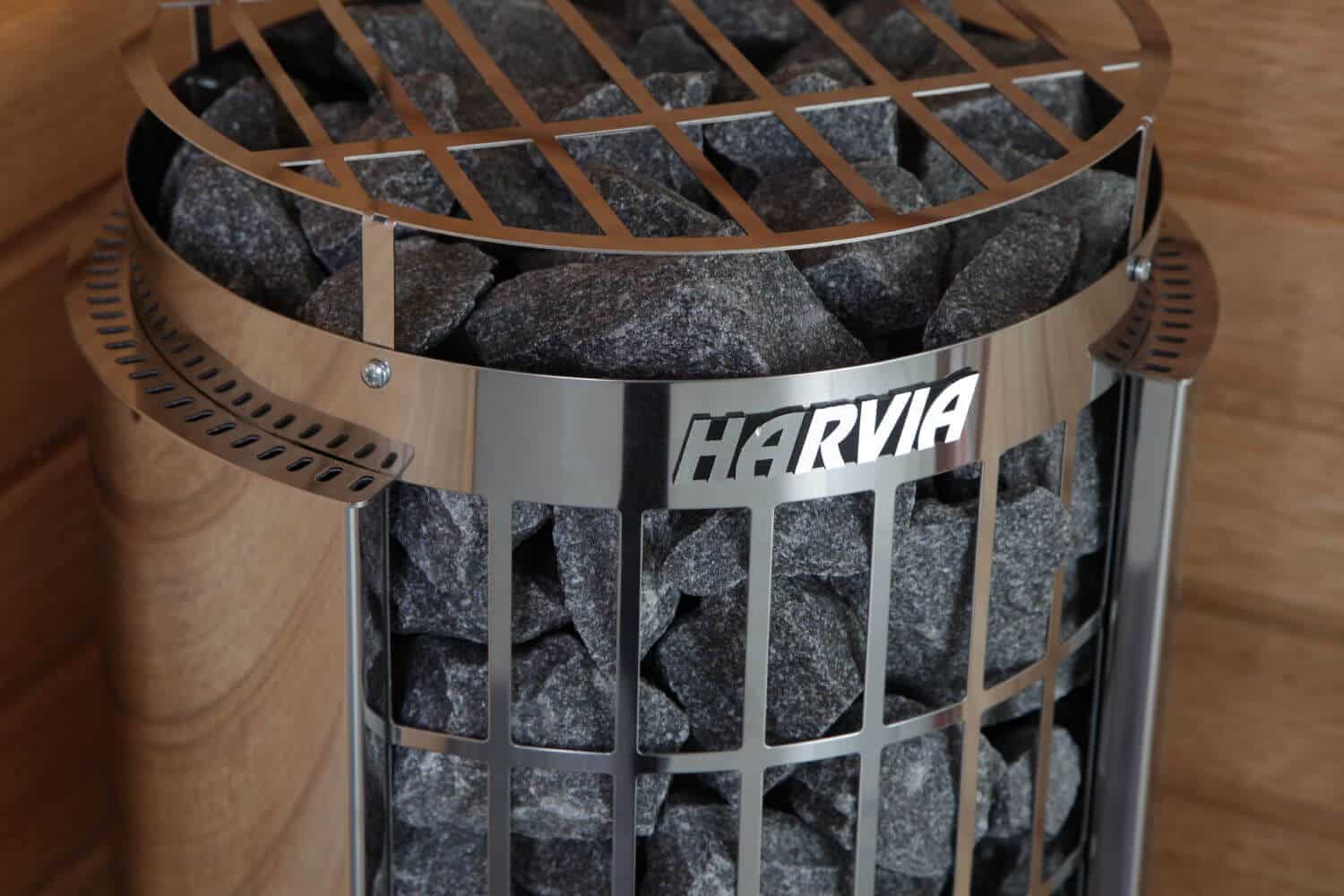
Built-in controls put the operating switches on the heater itself. As one North American example, Harvia identifies the 240 V KIP60B, item JC60B2401, as a manual-control model with no remote-use option. Harvia KIP60B product record
Consider the Harvia KIP with built-in controls if walking to the sauna and starting it locally fits your routine. The practical attraction is a clear relationship between the heater and the controls.
Check how the controls will feel in the finished layout. Can you see the markings under the planned lighting? Does a bench or guard make access awkward? Ask for a demonstration of the timer, because a delayed-start setting and an immediate heating setting can be easy to confuse when first using a new system.
Do not buy a built-in-control heater on the assumption that an app can simply be added later. Confirm a supported upgrade path before treating future connectivity as part of the purchase.
A separate local panel: choose a comfortable operating position
A separate panel can put everyday operation in a convenient place while the heater sits where the room layout requires it. It can be a good match for a household that wants clear local controls without depending on remote operation.
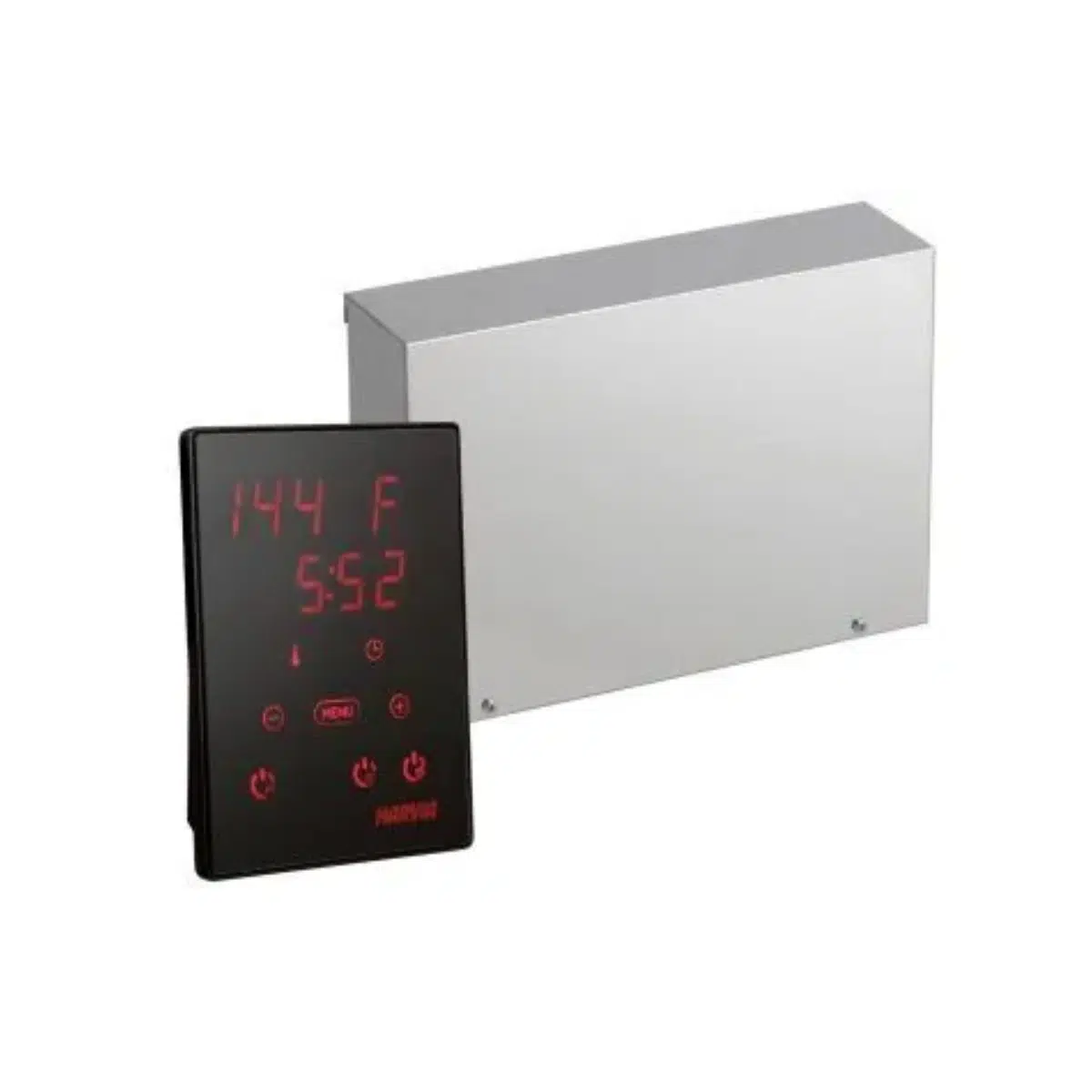
Keep the visible panel and the complete control system distinct in the quote. The panel is the part you touch, but the system may also include a power unit and sensors. Ask the supplier to identify the required components for your exact heater.
The location of a control panel is also model-specific. Choose it using the manufacturer’s permitted environment and placement instructions. “Beside the sauna” and “inside the sauna” are different conditions, so a photograph of a panel in another project is not enough to establish suitability.
Wi-Fi controls: useful when remote preparation has a purpose
HUUM UKU WiFi supports operation from its local control panel and the HUUM phone app. The app can display temperature and notify the user when the sauna is ready. HUUM UKU WiFi
That can be useful if you want to check preparation from elsewhere in the house or manage a compatible sauna through a connected routine. Before choosing a package from the HUUM electric heater collection, check connectivity at the actual sauna location and ask what local operation remains available during a network outage.
For Harvia, the North American Xenio WiFi remote kit CX004WIFI is an accessory for compatible Xenio systems. Its available app functions depend on the connected equipment. Harvia Xenio WiFi remote control
Treat compatibility as a specific question: which heater, which control unit, which revision and which remote kit? Matching the brand name alone is not enough.
Make remote-start checks part of the buying decision
A sauna app cannot inspect the room for you. Follow the system’s prescribed checks before enabling remote use, and keep the required sensing and protective functions in place. Do not use the sauna as a drying cupboard or leave items on the heater.
Ask the installer to demonstrate the actual start sequence and explain what happens when the door opens. HUUM’s UKU WiFi page lists different sensor packages for UKU 4.1 and 4.2, which is one reason to confirm the supplied revision. HUUM UKU WiFi package details
Finally, decide who needs access. A shared household should know which controls end the session and who manages the app account. Keep the matching instructions from the sauna heater manuals library somewhere easy to find.
Questions about sauna controls
Does Wi-Fi make a sauna heater heat faster?
It changes how you can start or monitor a supported system. It does not change the heater’s rated output. Remote preparation may reduce your waiting after arriving, but that is different from a shorter warm-up.
Can I use a controller from another brand?
Only after the exact combination is confirmed as supported for the heater and local installation. Similar output ratings alone do not establish compatibility.
Can a smart plug make my sauna heater Wi-Fi enabled?
Do not substitute a general-purpose smart plug for the heater’s specified control system. Choose a supported sauna-control configuration with the required components and professional installation.
Should I pay for Wi-Fi if I always start the sauna locally?
Compare the features you will actually use. A clear local panel may serve you well. If future remote operation matters, confirm the upgrade options before purchasing.
Sources
- Harvia. Elektrikerise kasutusjuhend KIP JC60B2401 — KIP60B product record. Estonian page; 240 V, 60 Hz variant. No publication date shown. Accessed 9 September 2026.
- HUUM. UKU WiFi, US-market page and UKU 4.1/4.2 package lists. No publication date shown. Accessed 9 September 2026.
- Harvia. Xenio WiFi remote control, CX004WIFI. No publication date shown. Accessed 9 September 2026.